
Turn Ideas into Action
Create a task in Rio from the Tasks page, Today's timeline, or by telling Rio in one sentence. Set its area, date and details.
A task in Rio is anything you need to get done - big or small. Creating one takes seconds, and you get to choose how: tap it in yourself, or just tell Rio.
Add a Task Yourself
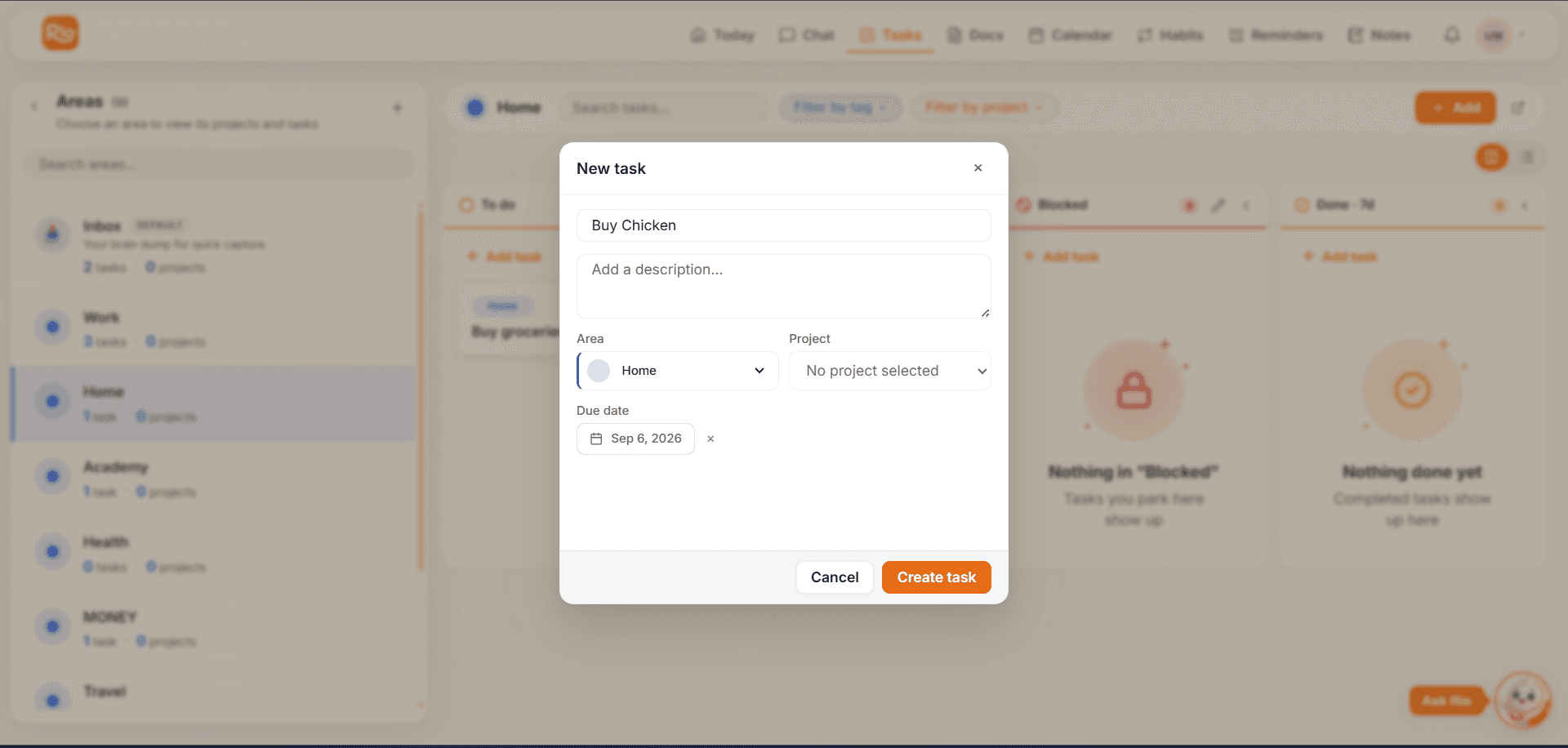
From the Tasks section. Open Tasks, step into the area the task belongs to - Home, Work, whatever fits - and add it right there. The task is born in the right place, next to its neighbors.
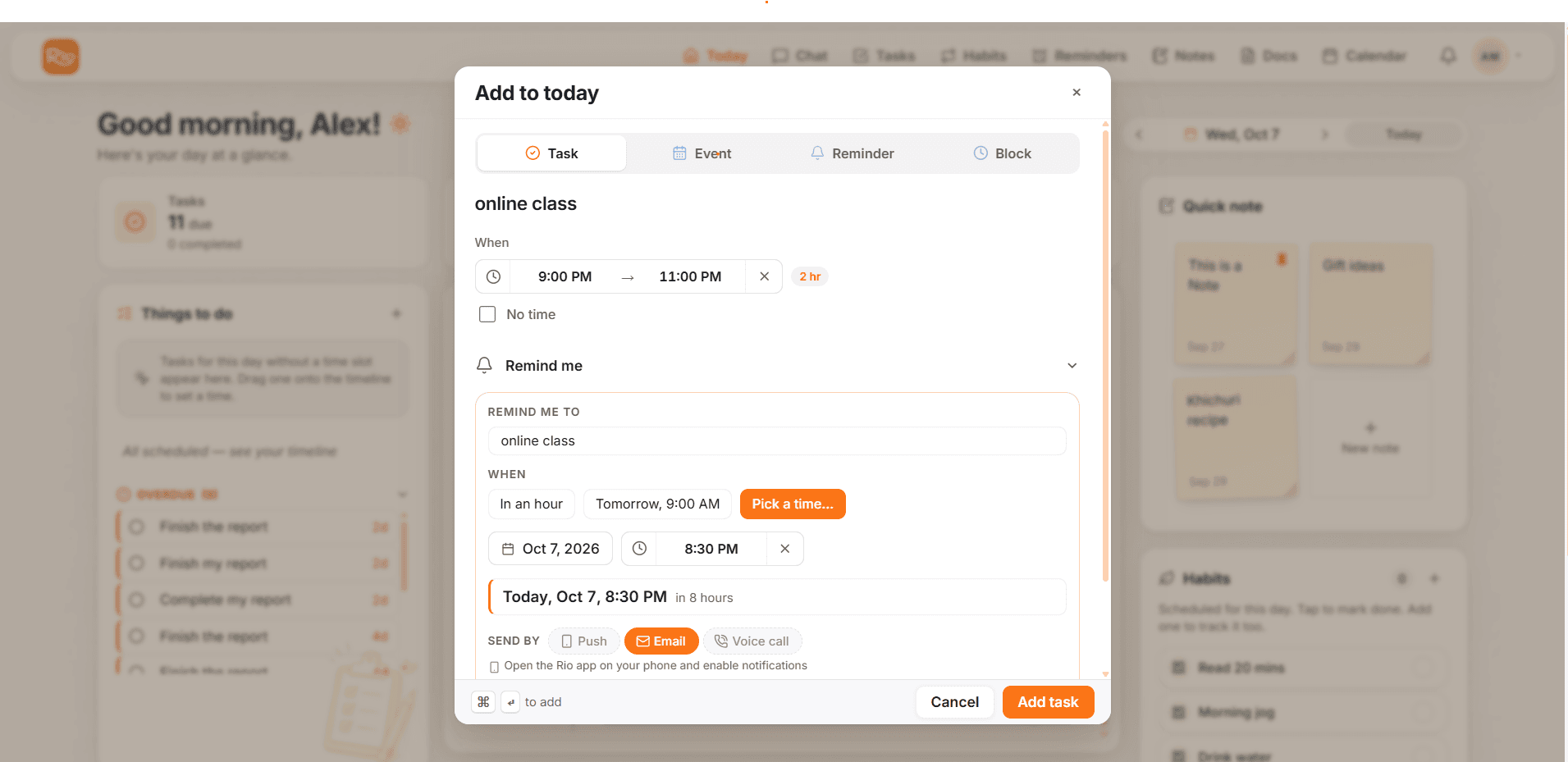
From Today's timeline. Planning your day? Open Today, pick a spot on the timeline, and add what needs doing:
- Enter the task title and set the date & time
- Add a short description if it helps
- Need a nudge? Turn on a reminder right here - no extra steps later
Good to know
Tasks created from the timeline land in your Inbox - your default area - so your plan isn't interrupted. Move them to any area later, whenever you like. See Keep Every Task in the Right Place.
Or Just Tell Rio
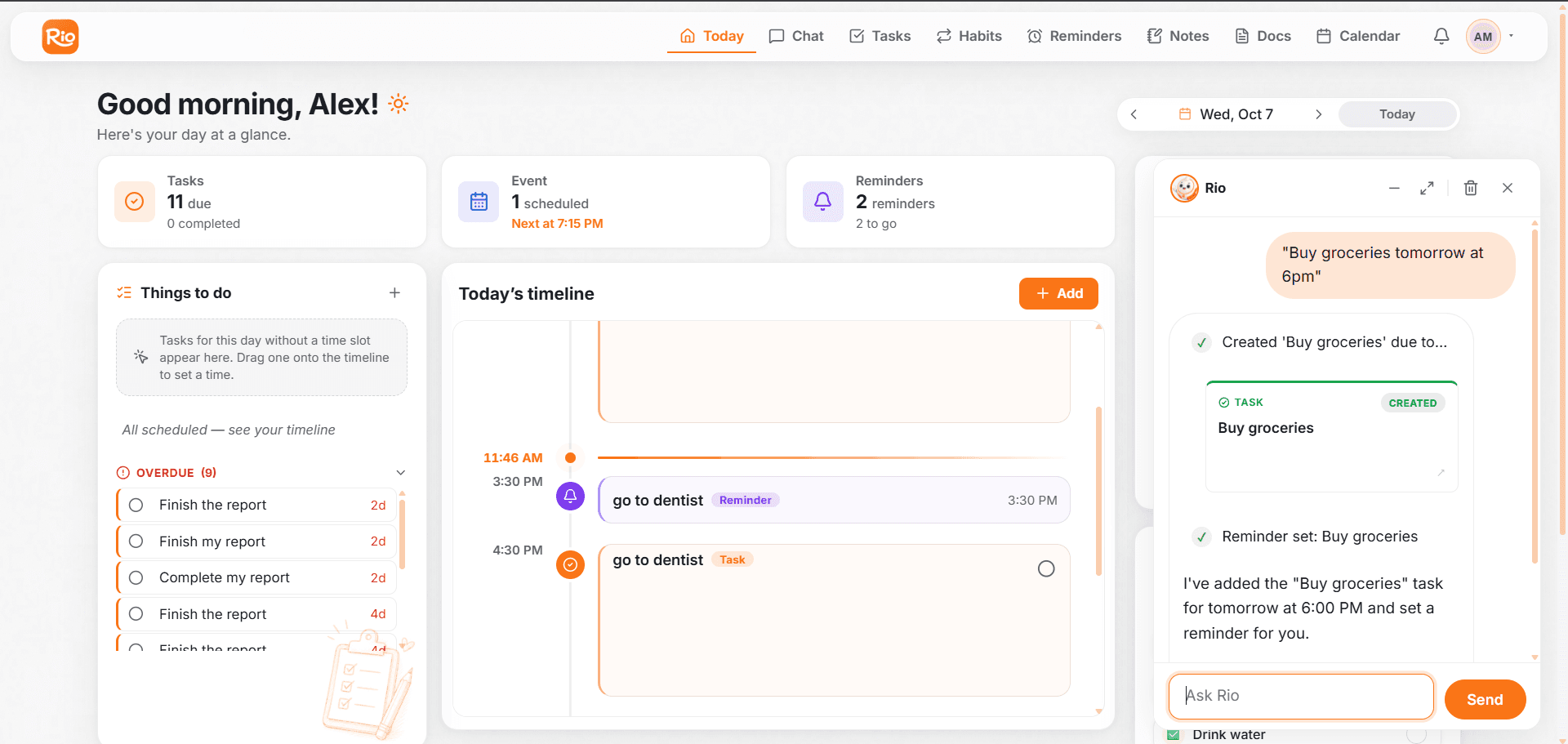
Prefer typing to tapping? Say it in chat, exactly how you'd say it out loud.
"Finish the project report by Friday."
Rio creates one task titled Finish the project report, due Friday. Mention a description, a reminder, or an area - and those come along too:
| You say | Rio creates |
|---|---|
| "Buy groceries tomorrow at 6pm" | Buy groceries - due tomorrow at 6:00 PM |
| "Submit the tax documents next Monday" | Submit the tax documents - due next Monday |
| "Call the dentist, remind me an hour before" | Call the dentist + a reminder one hour before |
| "Add a task to Work: review the design file" | Review the design file - filed under Work |
Keep It Natural
There are no commands to learn. "I need to book the flight tickets", "Don't let me forget to water the plants" - everyday sentences work. You don't even have to say the word task; mention something that clearly needs doing, and Rio picks it up.
Tip
If Rio isn't sure what you meant, it asks a quick question instead of guessing. For the full conversation playbook - follow-ups, multiple tasks, shortcuts - see Let Rio Handle Tasks Naturally.
Tasks - Get Things Done, Your Way
Your guide to tasks in Rio: create them, organize them into areas, schedule them with reminders, track progress, and manage them by chat.
Update Your Tasks Without Starting Over
Edit a Rio task's title, date, area or description without starting over. Change it on the task, or just ask Rio in chat.