
Update Your Tasks Without Starting Over
Edit a Rio task's title, date, area or description without starting over. Change it on the task, or just ask Rio in chat.
Plans change. In Rio, editing a task never means redoing it - change the title, the date, the area, or the details, and everything else stays exactly as it was.
Change Anything, Anytime
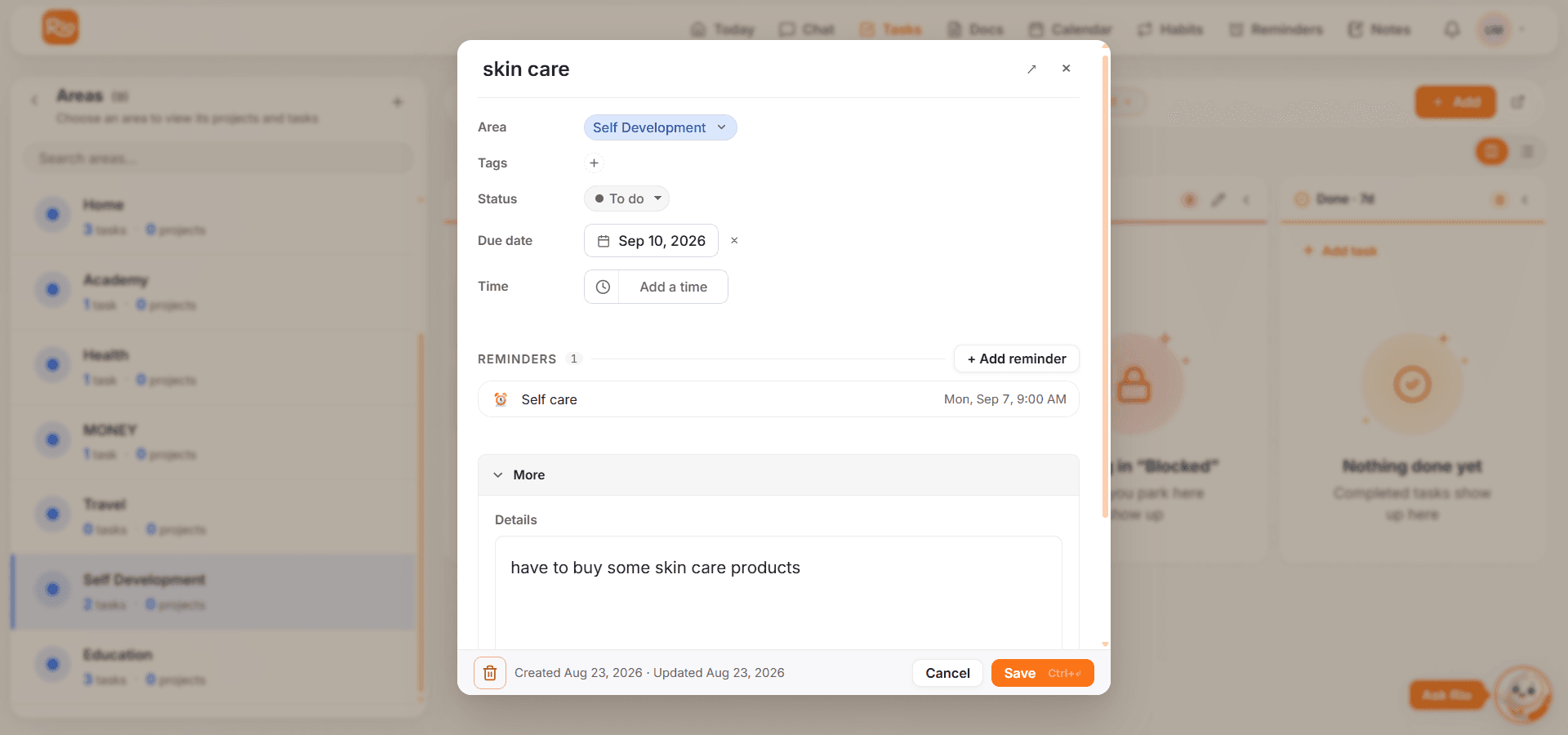
Open a task and edit what you need:
- Title - rename it as the goal becomes clearer
- Date & time - reschedule to a realistic slot
- Area - move it where it belongs now
- Description - add context as things evolve
Everything works through chat too, one sentence at a time:
- "Rename the report task to 'Final Q3 report'."
- "Move my project task to Friday."
- "Shift the groceries task to Home."
Update, Don't Duplicate
When you ask Rio to move, rename, or push a task, Rio updates the existing task - it won't create a second copy of the same thing.
Good to know
One task, one history - that's the rule. If you ever spot two copies of the same task, see Fix Common Task Issues.
Remove Tasks You No Longer Need
When a task stops being relevant, delete it - from the task itself, or just say "Delete the dentist task."
Tip
Done and deleted are different. Completed tasks keep your progress record; deleted tasks are simply gone. Choose complete when you did it, delete when it no longer matters.