
Let Rio Handle Tasks Naturally
Manage tasks by talking to Rio. Create a task, then say 'move it to Monday' or 'remind me an hour before', and Rio keeps up.
The fastest way to manage tasks in Rio is the oldest interface we know: a conversation. No menus, no forms - you talk, Rio takes care of the rest.
One Conversation, Many Changes
Rio remembers the thread of your chat. Refer back with simple words like it or that task:
You: Create a task called "Project Report", due Friday. You: Actually, move it to Monday. You: And remind me an hour before.
Rio knows all three sentences are about the same task - it updates the task instead of creating new ones.
Many Tasks in One Go
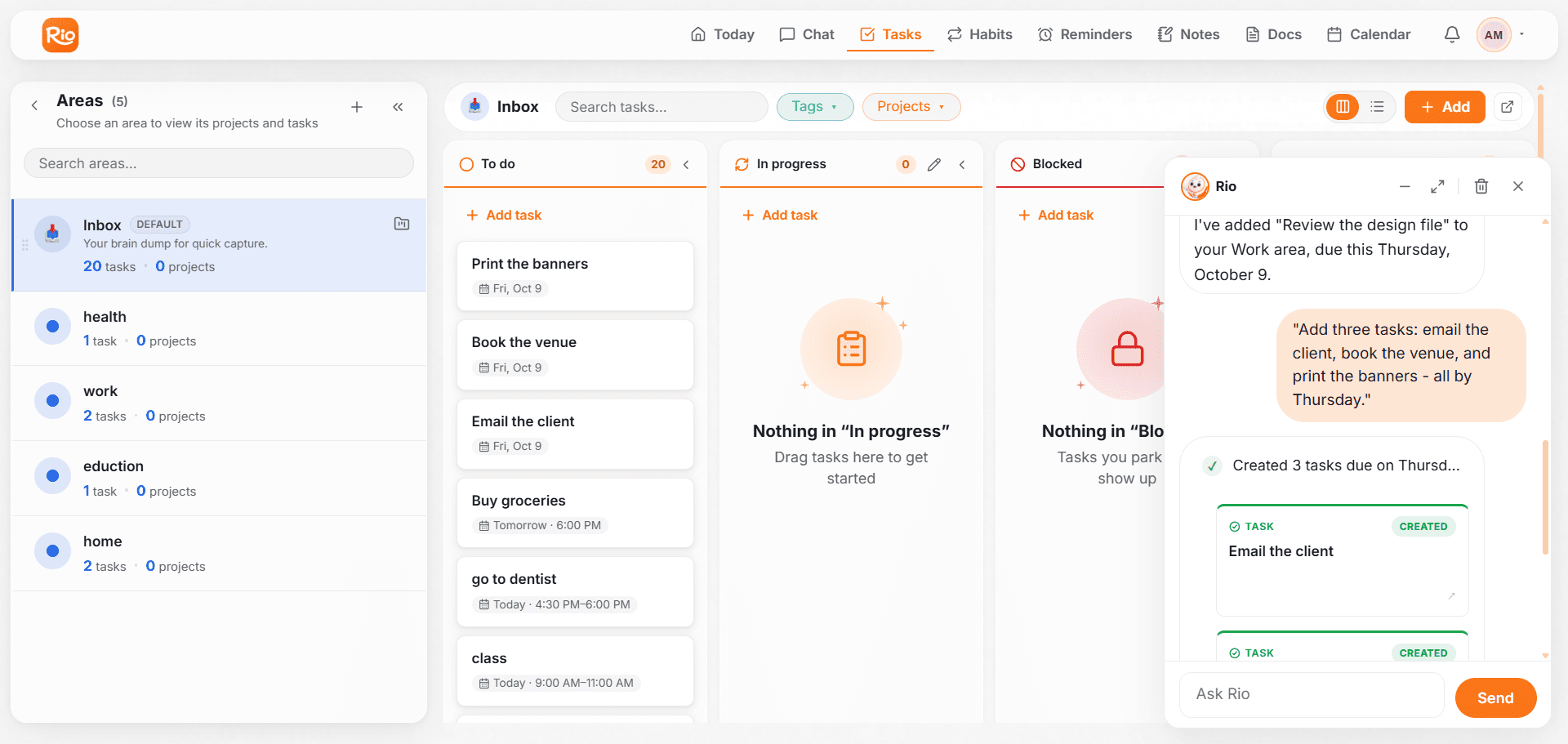
Emptying your whole mind into one message works too:
"Add three tasks: email the client, book the venue, and print the banners - all by Thursday."
Rio creates all three, each with its own title and the same due date.
Rio Reads Between the Lines
You don't have to use the word "task" at all:
- "I have to call the bank before Thursday." - Rio recognizes this needs doing and creates it
- "I keep forgetting to renew my passport." - Rio offers to make it a task
When Something Is Unclear
If your request could mean two things - which report? which Friday? - Rio won't guess. It asks one quick question, you answer, and it's done.
Tip
Short answers are enough. If Rio asks "the report due Friday or the one for Monday?", just reply "Monday" - no need to repeat the whole request.
Everything Above, By Chat
Create, schedule, move, complete, delete - every task action in this section can be done by simply telling Rio. If it can be done with a task, you can say it.
Plan, Schedule & Never Miss a Task
Give every Rio task a date and time, add reminders where it matters, and reschedule by telling Rio 'move my project task to Friday'.
Fix Common Task Issues
Fix common Rio task issues: duplicate tasks, tasks missing from Today, wrong dates, and tasks that landed in the wrong area.